Getting paid · 6 min read
How to write an invoice email that gets opened and paid on time
The invoice itself rarely gets read closely on the first pass. The email around it decides whether that invoice gets opened today or buried until someone follows up.
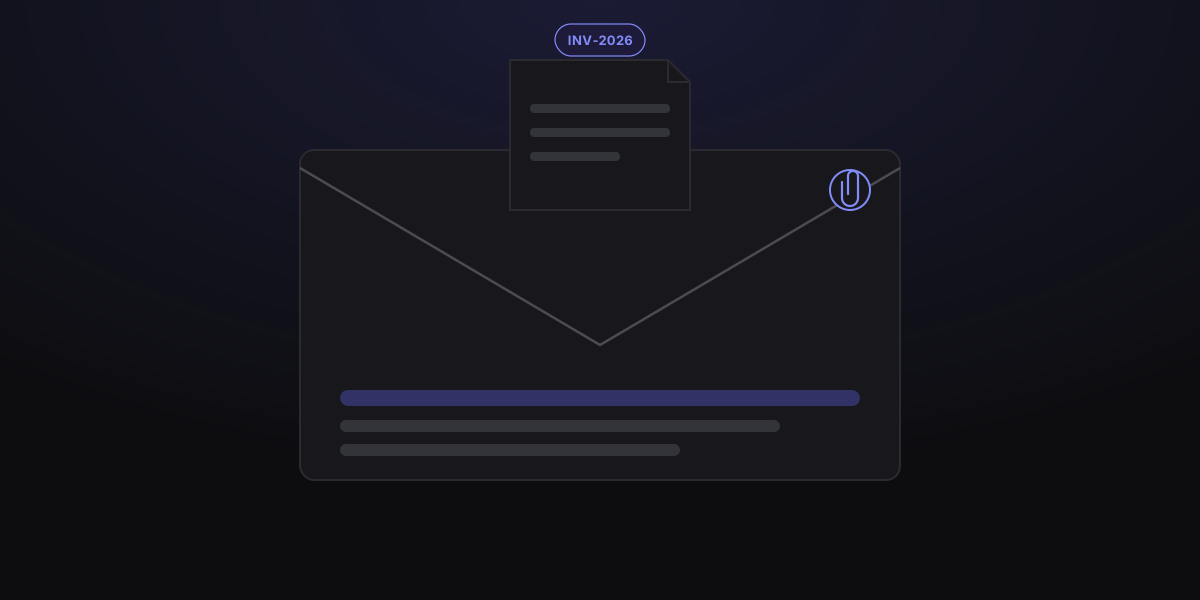
An invoice can be perfectly formatted and still sit unpaid for weeks if the email carrying it doesn't do its job. Accounts payable teams triage inboxes fast — they're scanning for who's billing them, how much, and by when, often without opening the attachment on the first pass.
None of this requires a clever pitch. It requires a subject line that's easy to search for later, a body that answers the obvious questions without opening the PDF, and attachments that don't create extra work for the person paying you.
Worked example
A complete first-send email
Subject: Invoice INV-2026-118 from Harbor & Oak — $2,400 due Oct 15. The email body states what the invoice covers, total due, and payment link.
- Subject
- Invoice INV-2026-118 from Harbor & Oak — $2,400 due Oct 15
- Covers
- August retainer — homepage redesign and two rounds of revisions
- Amount
- $2,400.00, payable by October 15
- Payment
- Online payment link or bank transfer per invoice footer
Original diagram
Three-email invoice sequence
- 1Send new invoice email
- 2Friendly reminder 2–3 days before due date
- 3Direct follow-up 2–3 days after due date
The subject line clients actually open
A vague subject like "Following up" or "Invoice attached" gets buried, and worse, it's nearly impossible to search for six weeks from now. A useful invoice subject line answers three questions at a glance: who's billing, how much, and what reference it belongs to.
If the client's finance team uses a purchase order or project code, include it. That single detail is often what routes your email to the right person without a forwarding delay.
What the email body actually needs to say
Keep it short. The email isn't where you restate the whole project — it's where you confirm the essentials so the reader doesn't have to open the attachment just to know what they owe and when.
- A one-line reminder of what the invoice covers (the project, service period, or deliverable).
- The amount due and the due date, stated in plain text, not just inside the PDF.
- How to pay — bank transfer details, a payment link, or whatever method you accept.
- Who to contact with questions, if that's someone other than you.
- A short, specific closing line rather than a generic sign-off.
What to leave out of an invoice email
A few habits quietly undercut an otherwise well-written invoice email.
- Apologizing for sending the invoice, or for asking about a payment that's genuinely overdue.
- Burying the amount and due date in the middle of a paragraph.
- Re-explaining the entire project scope, which belongs in the proposal or contract.
- Mixing multiple unrelated topics into the same email as the invoice.
Attachment and file-naming habits that save time
A few small choices here make an invoice easier to file correctly on the client's end.
- Send a PDF, not an editable format — it renders consistently and can't be altered after the fact.
- Name the file clearly: BusinessName-InvoiceNumber-Date.pdf, not "invoice_final_v3.pdf".
- Keep the file size reasonable; a heavily compressed logo can push a simple invoice past a few megabytes.
- Attach the invoice directly rather than only linking to it.
Automating without sounding automated
Recurring clients are the best candidates for templated, even scheduled, invoice emails — but a template still needs a real name, a real amount, and a real date pulled in correctly every time. Before anything sends automatically, a quick manual review catches the placeholder text and mismatched totals that quietly damage trust.
Common questions
Helpful clarifications
Should I attach the invoice as a PDF or just send a payment link?
Do both when you can. Attach the PDF so the client has a permanent record for their files, and include a payment link in the email body so paying doesn't require opening the attachment first.
Should I CC the client's accounts payable team directly?
If you know who handles payments on their end, yes — CC or address the email to them directly rather than routing everything through your main point of contact, who may not forward it right away.
What's the best day or time to send an invoice email?
Early in the work week and early in the business day tends to perform best, since invoices sent Friday afternoon or late in the evening often sit untouched until the following Monday.
How soon after the due date should I send a follow-up?
A short reminder two to three days before the due date, followed by a direct follow-up within two to three business days after it passes, keeps the invoice visible without feeling like an immediate escalation.
Is it unprofessional to send automated invoice reminder emails?
No, as long as the content is accurate and specific to that invoice. Clients generally respond better to a consistent, predictable reminder schedule than to sporadic manual follow-ups that vary in tone.
Should I mention late fees in the invoice email itself?
Only if a late fee policy is already agreed with the client, ideally stated in your contract or original quote. Introducing a fee for the first time in a reminder email tends to read as a surprise rather than an enforced term.