Document Standards · 6 min read
PDF Invoices: Formats, Print Standards and Archiving
How to produce clean, readable PDF invoices, check them before sending, and archive them so they are easy to find years later.
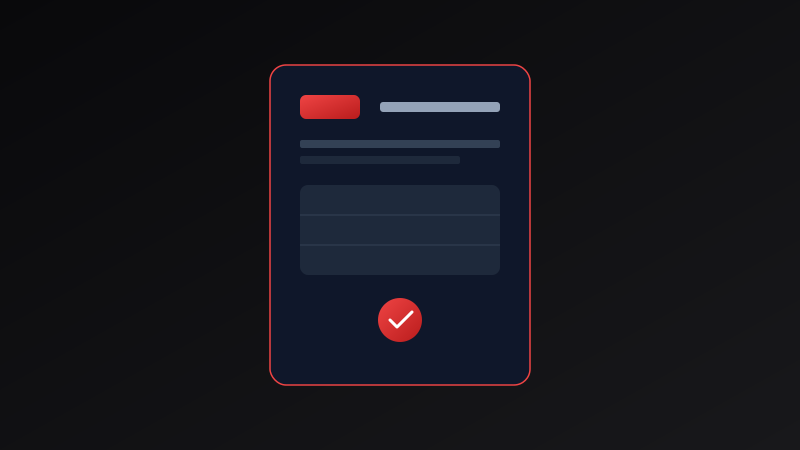
Email notifications and payment links are convenient, but the invoice itself is still usually a document, and that document is usually a PDF. It is easy to open, looks the same on a phone or a laptop, and prints predictably. Those qualities matter more than they sound. A layout that shifts between devices can hide a total or push the due date onto a second page.
This guide explains what makes a good PDF invoice, how to check it before sending, how PDFs relate to structured e-invoicing rules, and how to archive files so you can find them years later.
Worked example
Standard PDF invoice properties
Key attributes of a well-produced PDF invoice.
- Content
- Real text and shapes, with selectable numbers
- Page size
- A4 or US Letter, matching the client’s region
- Margins
- Wide enough to print without clipping
- Fonts
- Standard, legible fonts embedded or widely available
- File size
- Small enough to email comfortably
- File name
- Invoice number and client, for example NS-2026-041-Acme
Original diagram
PDF generation and archiving process
- 1Input invoice data
- 2Render live HTML canvas
- 3Convert to vector PDF
- 4Download and archive locally
Why PDF is the universal standard for client billing
Unlike editable text files or raw web links, a PDF invoice freezes your document into a read-only format. This prevents accidental modifications after an invoice has been sent to a client. High-quality invoice generators build PDFs with vector text and shapes, guaranteeing that your logo and text remain crisp even when printed on high-resolution paper.
- Verify PDF layout appearance before emailing clients.
- Ensure text is selectable, not flattened into low-res bitmaps.
- Keep digital PDF copies organized by year and invoice number.
- Test print layouts to confirm margins fit standard paper sizes.
Archiving PDF invoices for tax and audit compliance
Tax regulations in most jurisdictions require businesses to retain copies of all issued invoices for 5 to 7 years. Downloading and saving vector PDFs to secure local storage ensures long-term audit readiness.
Common questions
Helpful clarifications
Why send invoices as PDF instead of Word or Excel files?
A PDF keeps layout, fonts, and numbers fixed, so the invoice looks the same everywhere and is harder to change accidentally. Editable files can shift formatting or be altered after they leave your hands.
Is a PDF invoice the same as an e-invoice?
Not necessarily. A PDF is a visual document. In some countries and for some clients, e-invoicing means structured data in a specific format, sometimes sent through a defined network. Check what your client and local rules require.
Should the text in my PDF be selectable?
Yes. Selectable text lets clients copy invoice numbers and amounts and lets accounting software read the document. Avoid exporting invoices as flattened images or screenshots.
How should I name and store PDF invoices?
Use a consistent name, such as the invoice number and client, and store files in dated folders, for example by year. Back them up somewhere other than your main device.
How long should I keep invoice PDFs?
Retention rules depend on your country and business type, and are often several years. Check the requirement that applies to you, and keep credit notes and payment records alongside the invoices.
What should I check before emailing a PDF invoice?
Open the file, confirm every field, check page breaks and margins, and make sure the total and due date are visible without scrolling. Also check that the file name is clear.